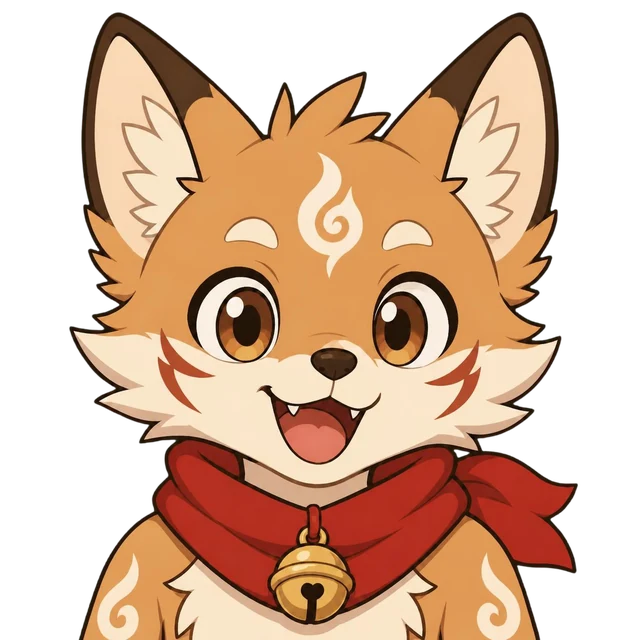
Peanut Gallery
Your AI cov-host. It watches your stream, heckles your plays and cheers your wins, out loud, right on your overlay.
Now open: 3 hours of the full co-host, free
LIVE
Your AI cov-host. It watches your stream, heckles your plays and cheers your wins, out loud, right on your overlay.
The real overlay and the real voices: all five co-hosts in two minutes. Sound on.
Pick the co-host that fits your stream, or bring your own. Each one has a voice, a look and opinions.
Curious, upbeat, teases kindly and cheers every win.
Soft-spoken, notices the little things, celebrates tiny victories.
Chaotic backseat gamer. Roasts the plays, never the person.
Lore nerd and strategist. Remembers the plot so you don't have to.
A ghost who's scared of everything. Panics so you don't have to.
Reads what's on screen from OBS, so it reacts to the game you're actually playing.
Hold a hotkey and talk to it, or let chat, raids and redeems set it off.
A real voice and an animated overlay, with a panic mute one key away.
Start free. Pay when you want the full co-host watching, listening and talking back.
Plus 3 free hours of the full AI co-host
Need more time? Add 10 hours for $10 on any monthly plan. They last the month you buy them and the next.
Prices in USD, billed monthly through Stripe; any sales tax or VAT is added at checkout. Cancel any time. One free trial per Twitch channel. Co-host time is counted by the minute while the AI co-host is live; reactions mode is never counted.
Sign in with Twitch on your account page and download the app. Every channel gets 3 hours of the full co-host free, and reactions mode stays free for good. Add the overlay to OBS, go live, and pick a plan when you want more.
A Windows PC running OBS Studio. Peanut Gallery is a small desktop app that sits next to OBS, and the co-host appears as a Browser Source in your scenes.
It shouldn't. Your PC only takes the odd screenshot, plays the audio and shows the overlay. The heavy work (reading the screen, thinking, making the voice) happens on our servers, because your PC is busy enough already.
Twitch: it reads your chat, follows, raids, subs and channel-point redemptions, and can answer viewers in chat. The overlay works in any OBS scene.
A screenshot of your stream every 15 to 30 seconds, sent to our screen-reading service so the co-host knows what's happening. We don't store them. A "blind" switch pauses capture whenever something private is on screen.
No. Chat is something the co-host reacts to, not a script it reads. Chat text-to-speech is off until you turn it on, works only through a channel-point reward or a command you choose, and every message is filtered, length-capped and rate-limited. Everything the co-host says passes a safety filter first, and a panic-mute hotkey silences it instantly.
Yes. Each co-host is a folder with a personality, a voice and art, so you can tweak one of the five or build your own.
Not yet. A Kitsune Den Discord bot that brings your co-host into voice chat and keeps it around between streams is planned for later.
The installer isn't code-signed yet, so Windows may say "Windows protected your PC". Click "More info", then "Run anyway". After that the app updates itself, and it only installs updates signed with our key.
Yes, from Manage billing on your account page. Your plan stays on until the end of the month you've paid for, then your account goes back to Free.
Sign in with Twitch, download the app and go live with 3 free hours of the full co-host. Reactions mode stays free.
Start freeFor Windows, with OBS Studio.